Managing Food Program and CACFP Meal Records
Food program is a separate workspace for centers whose program has been configured and enabled. Ordinary meal menus and orders do not establish food-program claim readiness.
Last updated About 2 hours ago
Food program is a separate workspace for centers whose program has been configured and enabled. Ordinary meal menus and orders do not establish food-program claim readiness.
Workflow: Confirm program setup → Record actual service → Review eligibility → Reconcile draft → Authorized filing
1. Check the program setup
Open More → Food program, or follow its link from Meals → Today. If setup is still in progress, follow the on-screen guidance before attempting to record counts.
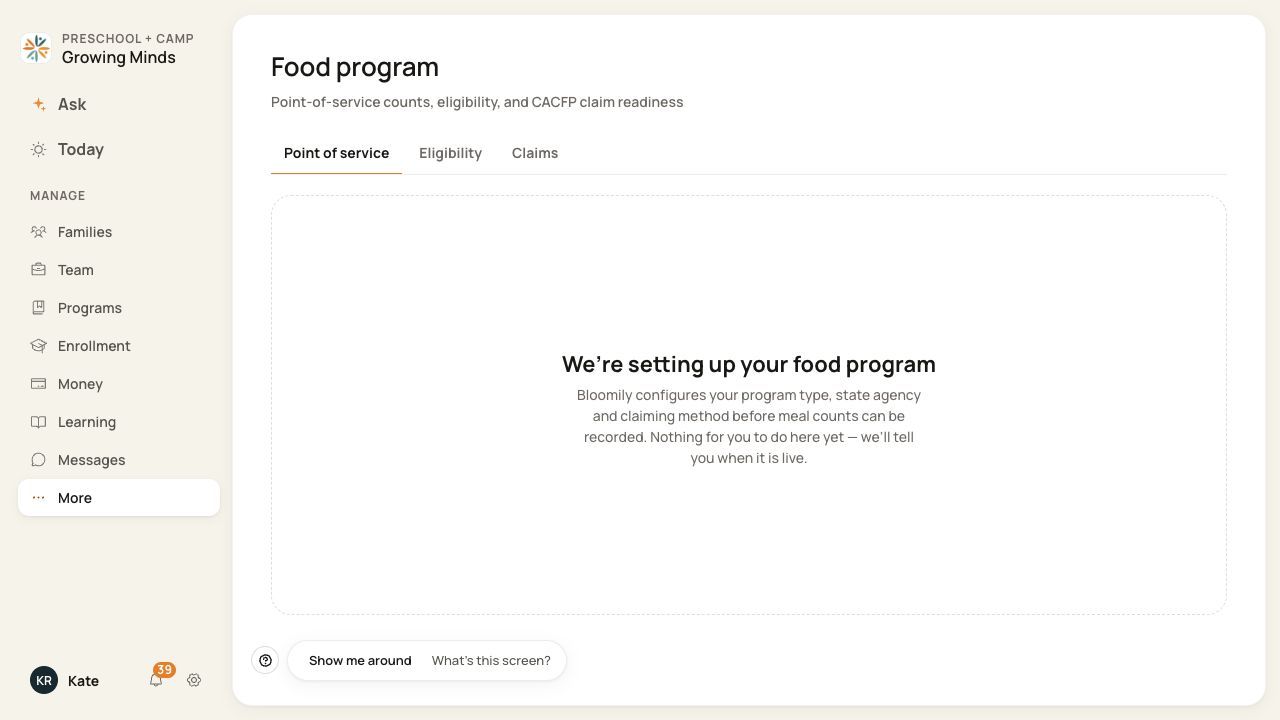
This setup state means point-of-service recording is not yet available for this center.
2. Record actual service when enabled
In Point of service, choose the service date and meal window. Review the suggested roster and record only meals actually served through the available confirmation action. Attendance alone is not evidence of service.
3. Review eligibility separately
Use Eligibility to review the child’s determination and supporting information. Authorized staff should follow the applicable program process. A category is not a meal count.
4. Review the claim draft
In Claims, use Build draft when available. Reconcile the snapshot with source counts and eligibility. Resolve blocks before any filing action.
5. Handle corrections through the proper action
Review the child, date and meal before using Void on a count. Read any extra confirmation for claimed records. Rebuild draft updates a draft; filing freezes a snapshot and changes the correction process.
Before you finish
Use the guidance and rules applicable to your program and agency. These software steps do not determine legal eligibility or reimbursement entitlement.
A Bloomily draft or filed snapshot is not proof that an agency accepted or paid a claim.
The screenshot shows an unconfigured center; the recording and claim steps require an enabled program and the appropriate permissions.
Related guides
Screenshots show an example center. Meal prices, times, service days and ordering policies depend on your center’s configuration.
Was this helpful?