Add Morning care in the iPhone parent app
Share your child’s last diaper, bottle, and nap before preschool.
Last updated About 2 hours ago
Use Morning care to share your child's last diaper, bottle, and completed nap before preschool.
Add an update
Open Home in the Bloomily parent app.
Select your child.
Tap Add beside Morning care from home.
Select Last diaper, Last bottle, or Last nap.
Enter the time and tap Save.
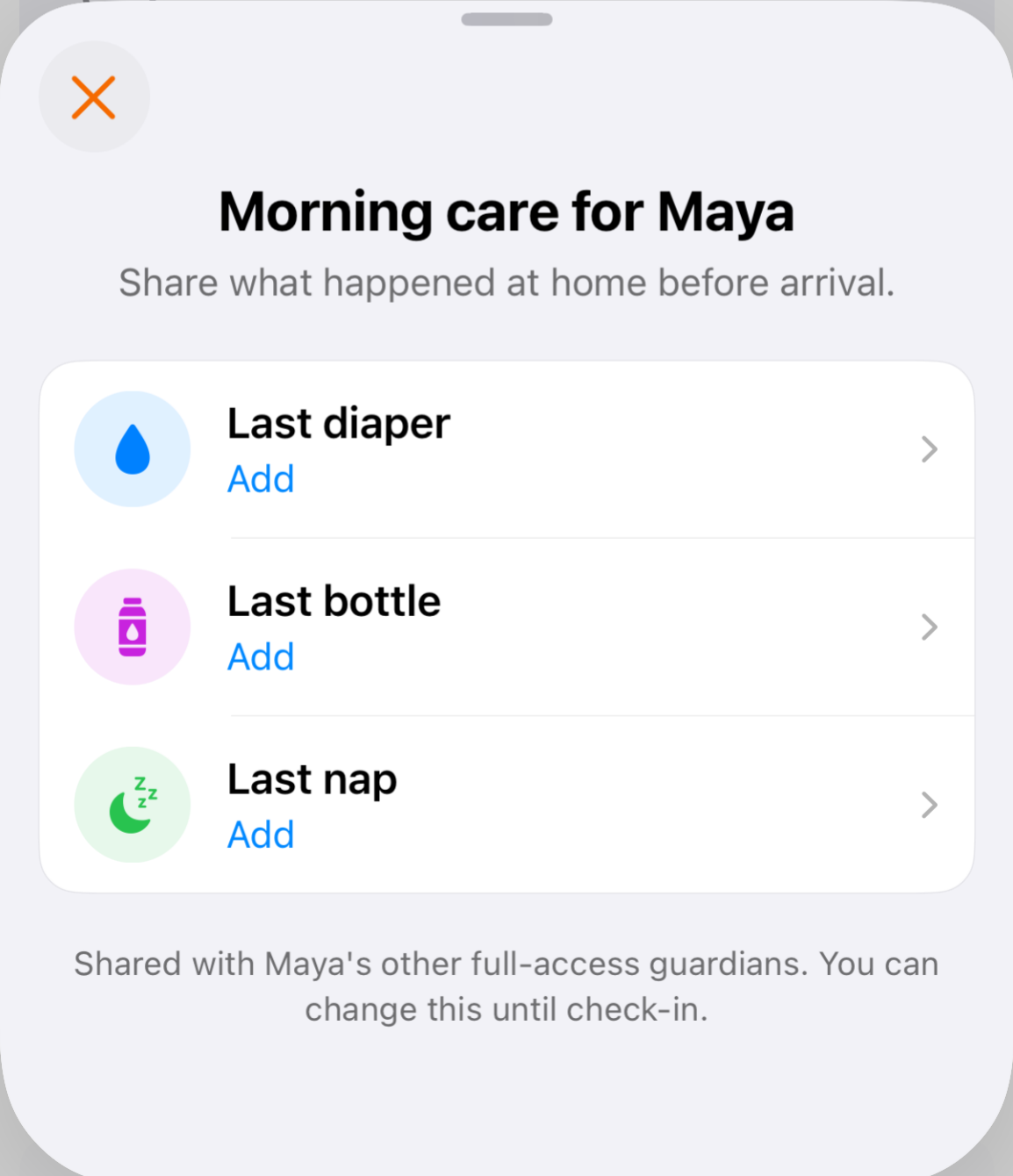
For naps, enter the start and end times.
Rules and limitations
Enter care that happened today. Only the latest diaper, bottle, and completed nap are kept for the day. Other guardians with full access share these entries.
Change an update
Open Morning care from home again, select the saved entry, change the time, and tap Save.
You can add or change updates until your child's first check-in that day. After check-in, saved updates can be read but cannot be changed.
If Morning care is missing
Select the correct child. If it is still missing, ask your center to check that Morning care is enabled for your child's classroom and that you have full access to your child.
Was this helpful?