Approving an Individual Timesheet
Approve one reviewed time entry using its checkbox and the selection action.
Last updated About 2 hours ago
Approve one reviewed time entry using its checkbox and the selection action.
1. Review the entry first
Confirm staff, date, clock times, break and total. Resolve exceptions while the period is Open.
2. Select only that entry
Check the staff/date row, then choose Manage 1 selected → Approve selected.
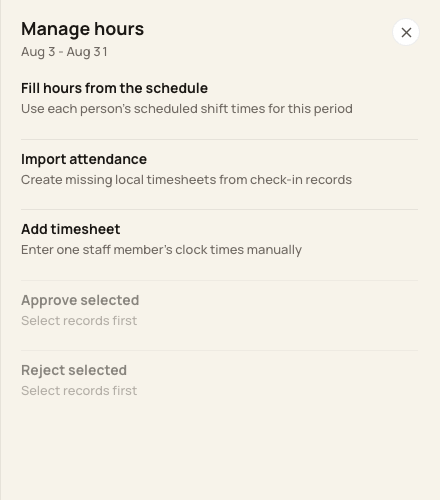
Approve selected becomes available after selecting one or more rows.
3. Read the approval review
Confirm the count and period. Choose Approve timesheets and complete any confirmation shown.
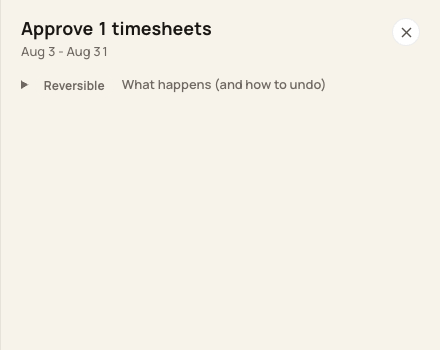
The review names the number of selected timesheets.
4. Verify Approved
Use Show → Approved or All timesheets and confirm the row’s status. Check the actual updated count if some selected entries were already approved.
Before you finish
This approves an entry, not necessarily every day worked by that person.
Approved entries cannot be corrected through the current Correct action. Review carefully before approval.
Related guides
Screenshots show an example center. Pay periods, approval, rounding, breaks and overtime settings depend on your organization’s configuration.
Was this helpful?