Set and Manage Labor Rules
Set the limits used when Bloomily drafts a workweek.
Last updated About 3 hours ago
Set the limits used when Bloomily drafts a workweek.
For center admins using Bloomily on a computer. The orange outline shows where to look or click.
1. Open Schedule
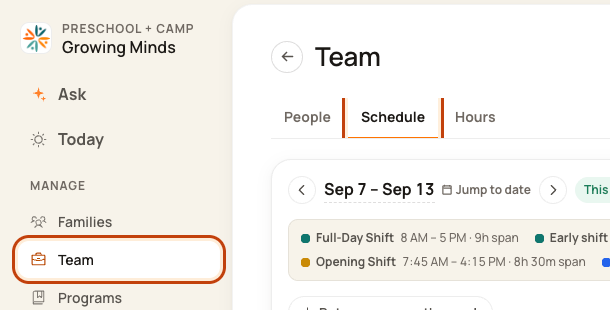
Click Team on the left. Then click Schedule.
2. Open the week menu
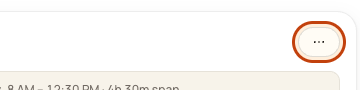
Check the week. Click the … button at the top right. This means More actions.
3. Open Labor rules
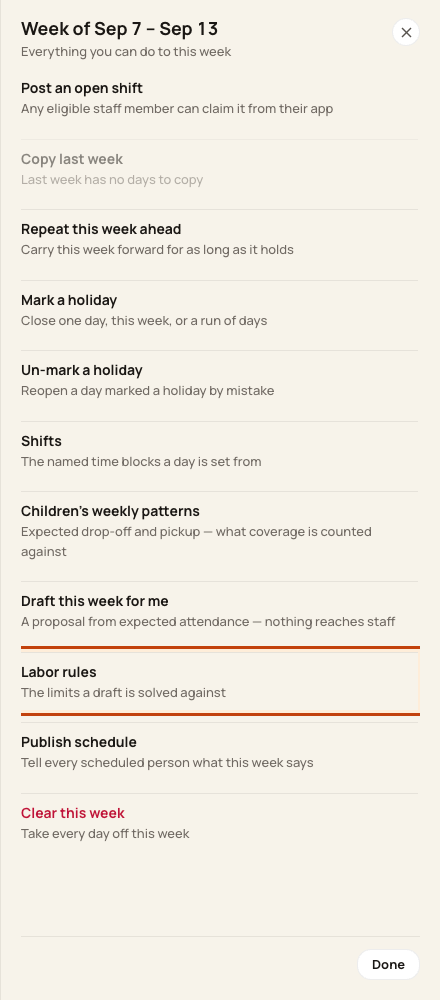
Click Labor rules. The form is called Scheduling rules.
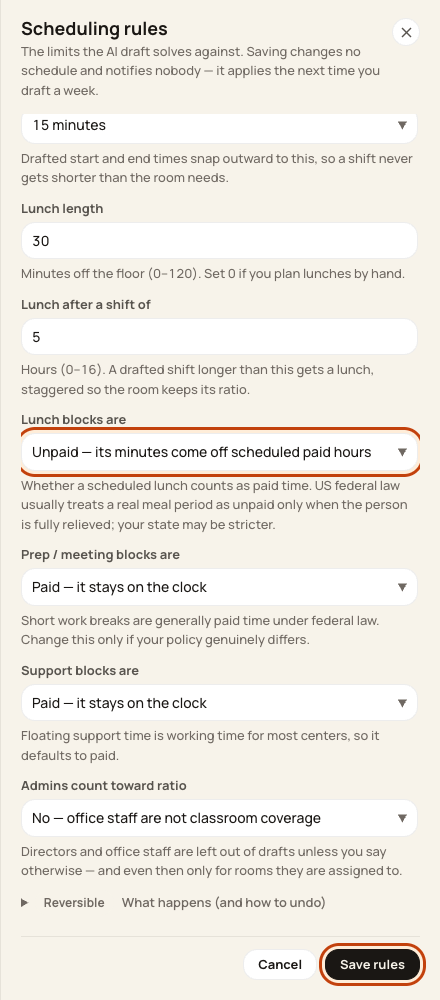
4. Review work limits
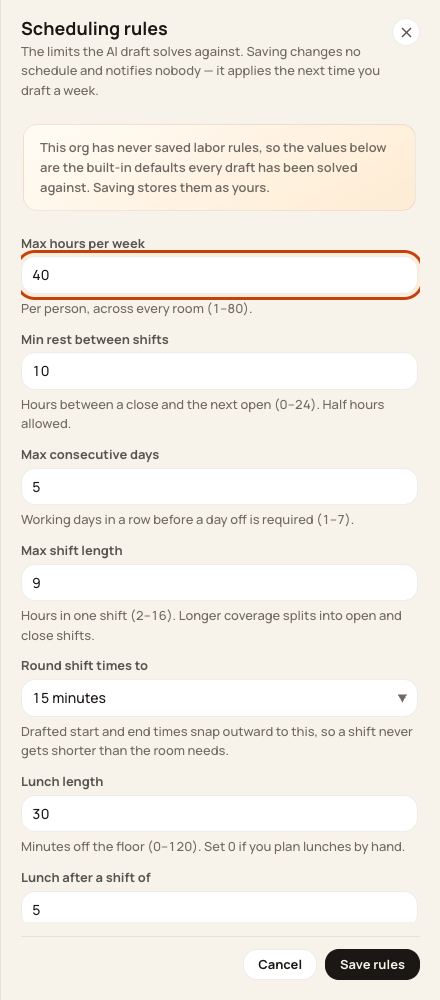
Check weekly hours, rest, days in a row, shift length, rounding, and lunch length. Use your center’s approved values.
5. Review pay and save
Scroll down. Check paid or unpaid blocks and whether admins count for room staffing. Click Save rules.
Good to know
Saving does not rebuild a schedule or send a message. A new draft uses the new settings. Always review the proposed plan.
Was this helpful?