Understand Peak Attendance and Staffing Needs
Use peak numbers to spot the busiest rooms.
Last updated About 3 hours ago
Use peak numbers to spot the busiest rooms.
For center admins using Bloomily on a computer. The orange outline shows where to look or click.
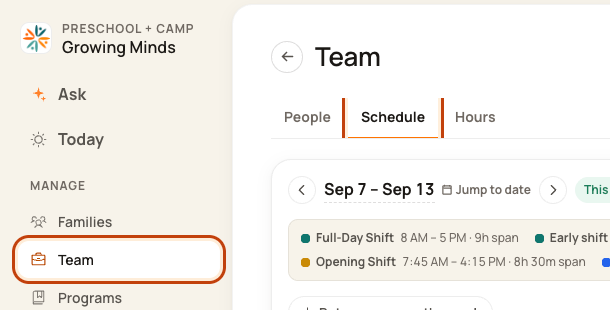
1. Open Schedule
Click Team on the left. Then click Schedule.
2. Open the Day Board
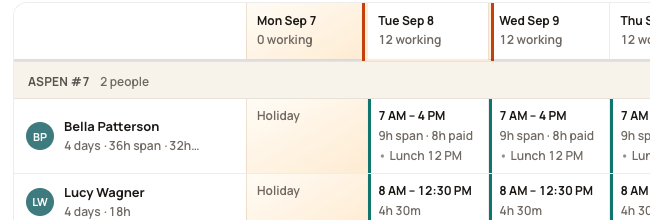
Click a date at the top of the week, such as Tue Sep 8. This opens that day’s room plan.
3. Find the peak
Read peak … kids · need … beside the room. Peak means the highest number of children expected at once.

4. Check when staff are needed
Read the coverage line for each time window. Compare those times with staff blocks and lunch.

Good to know
Peak does not mean that many children are there all day. If the count seems wrong, check children’s weekly patterns and program hours first.
Was this helpful?