Rejecting or Returning a Timesheet for Correction
Return an eligible non-approved entry with a reason so it remains clearly marked for review.
Last updated About 3 hours ago
Return an eligible non-approved entry with a reason so it remains clearly marked for review.
1. Select the entry
In an Open period, check the intended staff/date rows. Review current statuses first.
2. Choose Reject selected
Open Manage N selected → Reject selected. The form calls this Return timesheets.
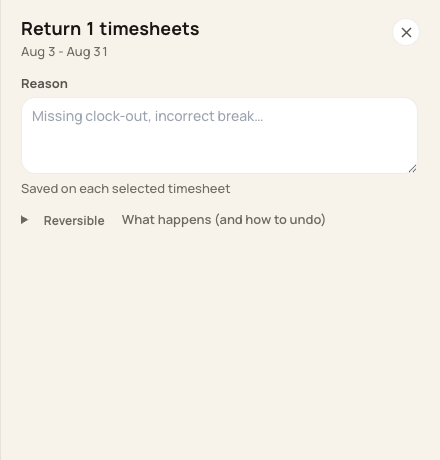
Enter the reason for returning the selected records.
3. Explain and confirm
Enter a specific reason, such as the missing punch needing verification. Review the scope, choose Return timesheets and complete the confirmation.
4. Verify Rejected
Check the status and updated count. The current action updates Pending, Submitted or Rejected entries; it does not return an already Approved row.
Before you finish
Returned records are still included in a whole-period export for the selected staff.
Do not assume this action sends a staff notification or starts a digital employee-signature process.
Related guides
Screenshots show an example center. Pay periods, approval, rounding, breaks and overtime settings depend on your organization’s configuration.
Was this helpful?