Understanding What Timesheet Approval Does
Approval records that an authorized reviewer accepted an entry. It is not payroll processing.
Last updated About 3 hours ago
Approval records that an authorized reviewer accepted an entry. It is not payroll processing.
1. Review before approving
Check the correct staff member, date, actual times and break deductions.
2. Understand the saved result
Approval sets the entry to Approved and records the approver and approval time.
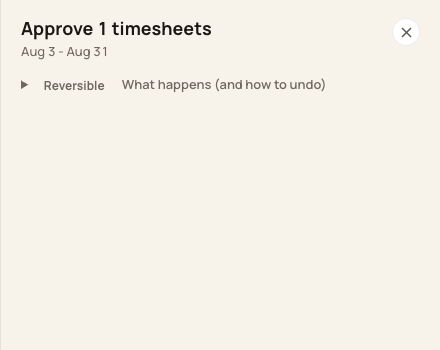
Confirm the period and selected count before approval.
3. Understand edit restrictions
The normal Correct action is disabled for an Approved entry. Period locking is a separate restriction affecting the whole period.
4. Export and process separately
Review the complete exported file and complete payroll with the provider. A Bloomily approval does not pay anyone.
Before you finish
Exports include unapproved statuses too; approval is not an export filter.
An approval setting may cause imported records to start Approved. Verify how your organization is configured.
Related guides
Screenshots show an example center. Pay periods, approval, rounding, breaks and overtime settings depend on your organization’s configuration.
Was this helpful?