Completing the Final Payroll Review
Complete a final reconciliation before a file is used to pay staff.
Last updated About 2 hours ago
Complete a final reconciliation before a file is used to pay staff.
1. Confirm complete coverage
Choose the period, show all entries and compare expected staff/dates with attendance or verified schedule-based hours.
2. Resolve exceptions
Check missing punches, duplicate coverage, breaks and the regular/overtime split. Verify any workweek spanning a period boundary.
3. Complete review and scope
Approve eligible reviewed entries, check protected-entry issues and lock if appropriate. Clear unintended selections or explicitly select the staff needed.
4. Review the downloaded file
Choose Export timesheets, verify approval indicators and reconcile the total and each person before provider processing.
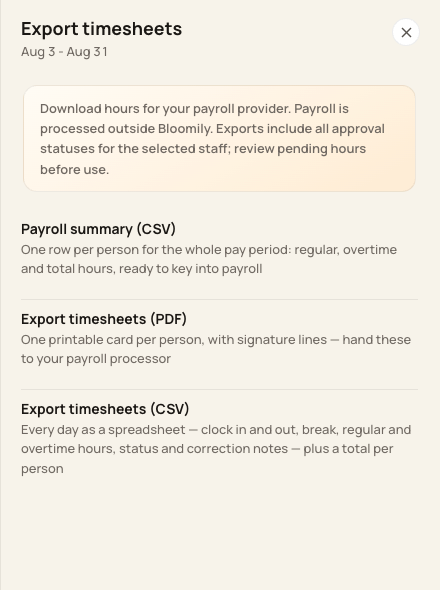
Select the output needed for the final payroll review.
Before you finish
Exports include every approval status for the selected staff across the whole pay period. The Show filter does not limit the export.
Bloomily’s readiness count is a useful check, not a substitute for payroll reconciliation.
Related guides
Screenshots show an example center. Pay periods, approval, rounding, breaks and overtime settings depend on your organization’s configuration.
Was this helpful?